Loading the radio…
 1 free song · no card
Can't find the song you want? Make it. Pick a style and a finished track comes back — sung, mixed and yours to release.
From idea to audio
Four decisions from you. The studio picks the key and the chords, writes the arrangement, mixes it and makes the cover.
Pick one of forty-eight styles on the dial — each with a preview you can hear first — or write the hook line you want sung and let the lyric writer build around it.
Set the tempo anywhere from 80 to 180 BPM, choose a female, male or duet vocal, and decide whether you want the audio-reactive video too.
A few minutes later the finished track lands in your library — play it, download the files, or send the link, which plays in any browser.
This is the same dial inside the studio. Press a style — a real generated record plays. Then take it into the app.
Clear rights
Everything you generate is yours to keep and share. The one-time Commercial unlock adds a commercial-use licence on every track you have made — monetise on Spotify, YouTube, ads, anywhere, royalty-free — and prints a licence certificate per song.
Read about licensing →Made in Banger
No one wrote these melodies, no one sang them, no one drew these covers. The composer picked the key, mode and progression; the synth engine rendered the audio; the lyric writer wrote the hook, verses and bridge; the cover art was generated for the finished track, in a palette taken from its key.
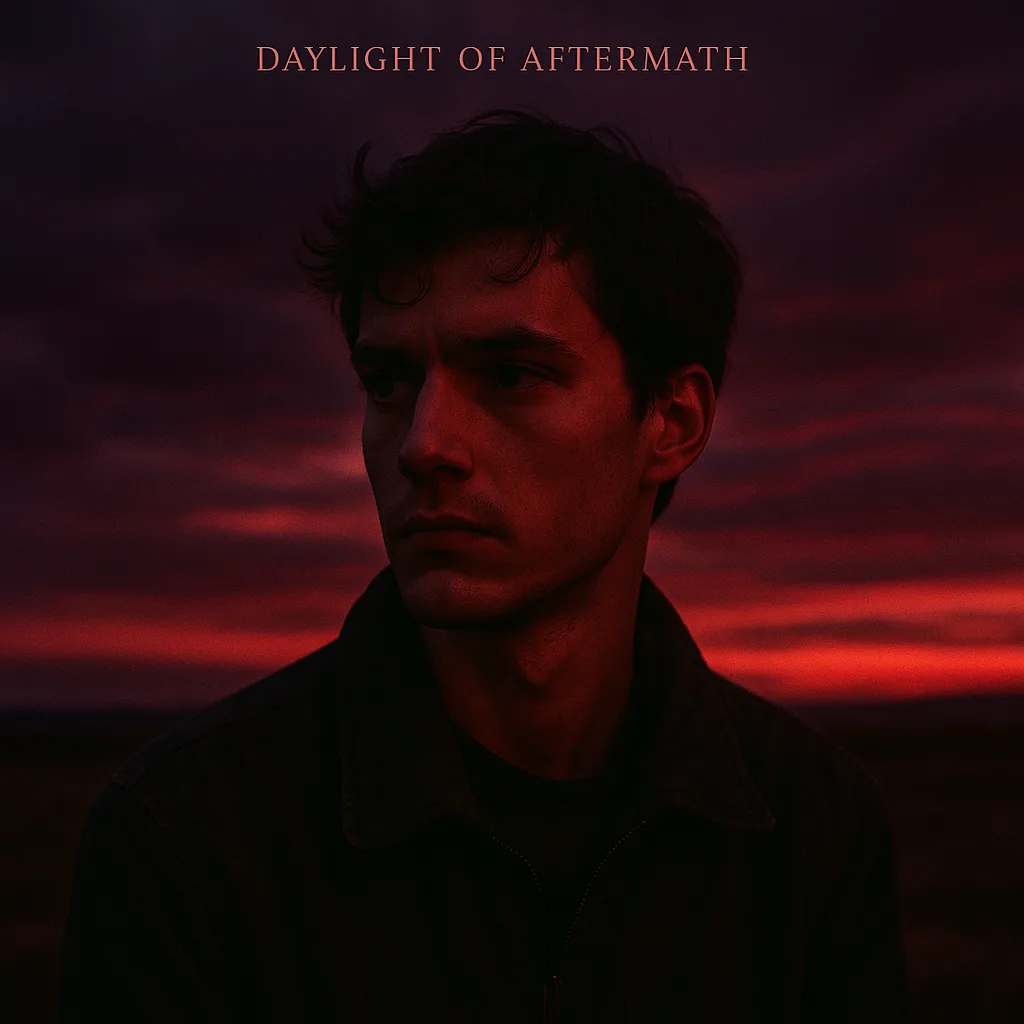
Audio and artwork are the untouched output. The only edit: trimmed for page weight.
Made in the last few hours
What you walk away with
The packs decide how many songs you make. The unlocks decide what each one comes back with. They are two different things, so here they are as two different controls.
Press one to hear it on its own. These are the real separated tracks, not the mix filtered.
Credits
One credit buys one finished track: the mp3, the MIDI, the lyrics and the video. No subscription, no expiry, no download limit.
Every pack: the mp3, the MIDI, the lyrics and the video · yours to release commercially · credits never expire.
One-time unlocks
Separate from credits: a one-time purchase, yours permanently, not a subscription.
FAQ
No. Pick a style, press Generate, and you get a finished track back. The tempo, vocal and video controls are there when you want them — ignoring them is a perfectly good way to use it.
Anything you make with a bought credit is yours to release commercially — Spotify, YouTube, ads, clubs, anywhere, royalty-free. The free signup track is for personal and demo use. The one-time Commercial unlock ($49.99) adds the printable licence certificate per song, for when a label or platform asks to see the paperwork.
Not inside the app — there is no timeline editor. You can download the MIDI arrangement, or the separated stems on Diamond, and take those into your own DAW. Regenerating with a different tempo, hook or style costs one credit.
A finished track around three minutes long, the MIDI arrangement, written lyrics sung by a voice model, and the audio-reactive video if you tick that box. Cover art comes with the Gold unlock and above.
No, and there is no subscription. Credits sit on your account until you spend them.
Your next track starts here
One free song with vocals. No card.